


Export to Figma
Integration with Figma is here!
Export created FlowMapp Wireframes to work with them in Figma in a few steps.

To export to Figma please follow below:
- Go to the Project,
- Click the Figma button next to the Export on the right above,
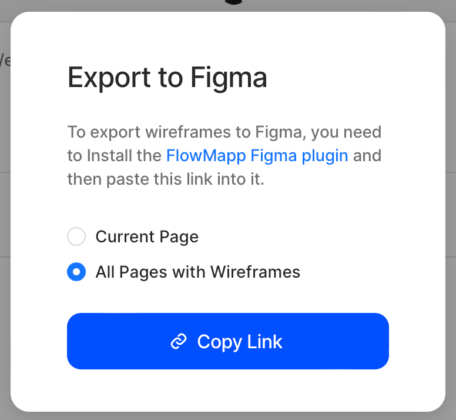
- In the pop up menu appeared follow the FlowMapp Figma plugin link and copy the link to your Sitemap,
- Open a browser tab with the plugin above, click on Open in and select your Figma Workspace,
- In the selected Workspace click Run the plugin and paste the previously copied link from FlowMapp
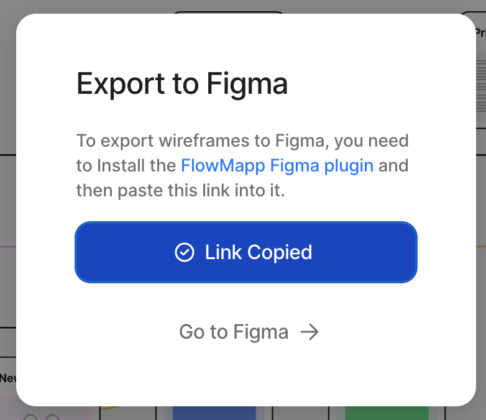
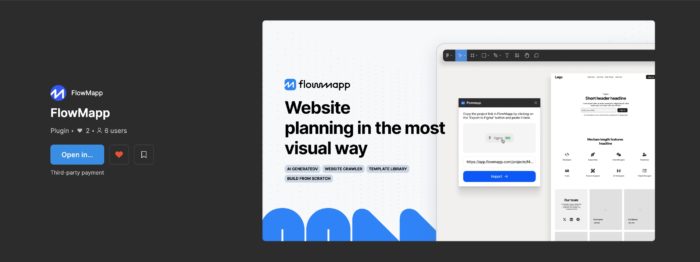
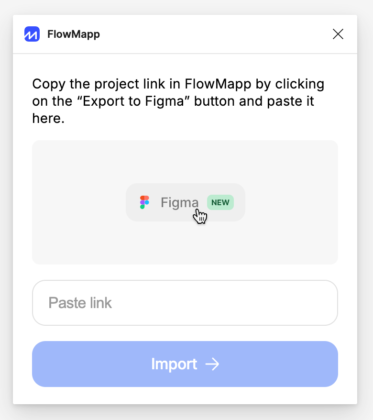
After that you can simply use FlowMapp plugin in Figma:
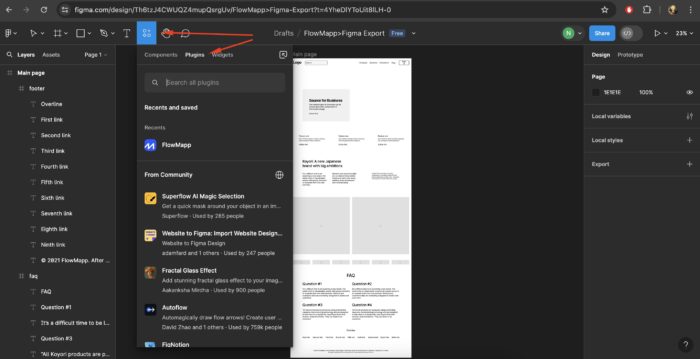
You can choose between exporting All pages with Wireframes or only the Current page:
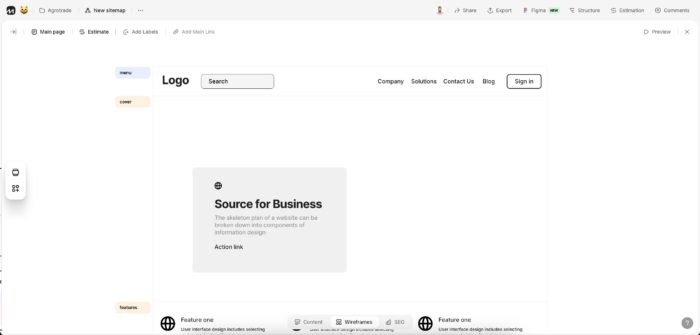
Wireframe in FlowMapp:
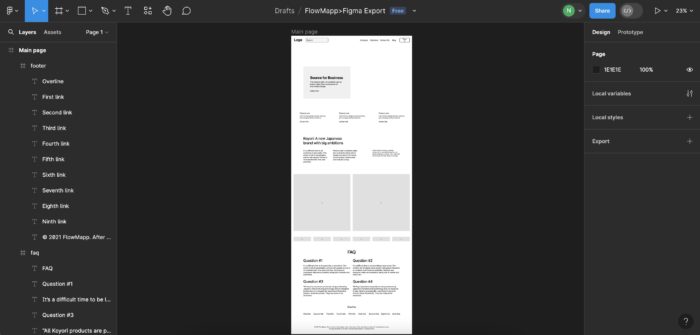
And exported to Figma (with all its elements ready to be custom set!):
Was this article helpful? 34
Still need help? Contact us


